
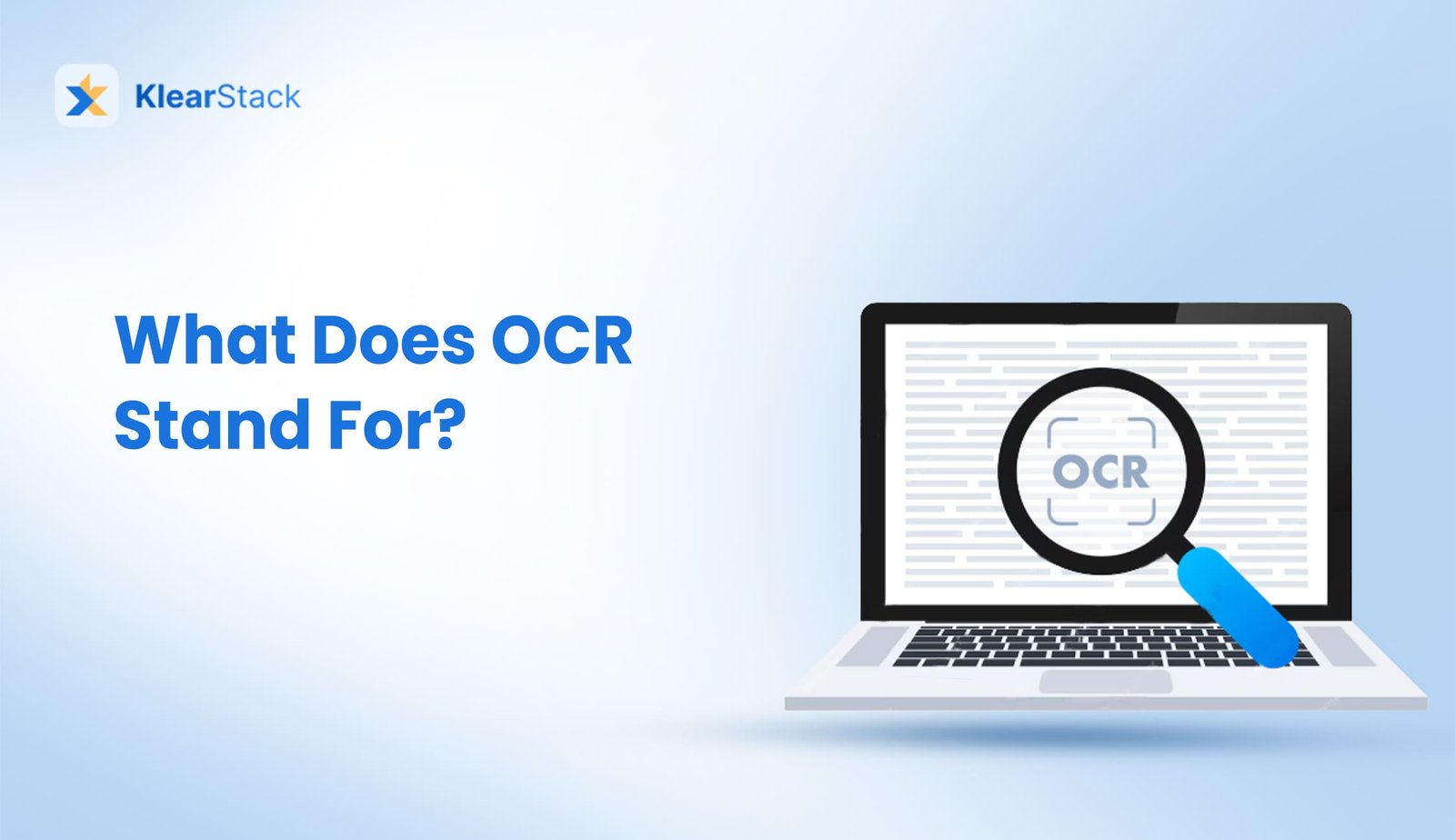

OCR stands for Optical Character Recognition. It is a technology that reads text from scanned documents, images, or handwritten notes and changes it into digital text. In simple words, it turns paper-based content into editable files you can search and use on a computer.
Why Is OCR Important?
OCR helps save time. Instead of typing out long documents by hand, OCR reads them for you. Businesses use it to move old paper files to computers. Banks use it to read checks. Even mobile apps use OCR software to scan ID cards or receipts.
Types of OCR
Different kinds of OCR exist for various needs:
- Basic OCR: Works with clear, printed documents
- ICR (Intelligent Character Recognition): Handles handwriting
- OMR (Optical Mark Recognition): Reads checkboxes and bubbles
- Zonal OCR: Focuses on specific parts of documents
Applications of OCR
OCR is used in many fields. Libraries digitize old books to make them searchable online. Banks process checks by reading account numbers from images. Healthcare providers convert patient forms into digital records for faster access. Retail uses document digitization to handle invoices. Even apps on your phone use OCR to translate signs or extract text from photos.
- Office Work: Changing paper files into computer files.
- Finance: Reading checks and invoices.
- Healthcare: Scanning patient records.
- Travel: Scanning passports and tickets.
- Mobile Apps: Reading receipts or ID cards on phones.
How Does OCR Work?
OCR works in a few simple steps:
- Image Capture: First, you take a picture of a document using a scanner or phone.
- Image Cleaning: The system improves the picture to make the text clear.
- Text Finding: It finds where the text is in the picture.
- Text Reading: Then, it reads the letters and numbers.
- Final Check: Finally, it checks for mistakes and corrects them.
This whole process happens fast and often without much help from people.
What’s Next for OCR?
New AI tools are helping OCR systems read text more accurately. Even messy handwriting and complex layouts are easier to process now. As these tools improve, OCR will become faster and better at handling different kinds of documents.
Conclusion
OCR changes how we handle text, making paper documents digital and easy to use. It’s a key tool for businesses, schools, and anyone needing to manage information. With ongoing improvements, Optical Character Recognition keeps getting better at turning images into usable text.
FAQ
OCR mainly reads printed text. ICR can handle handwriting.
Modern OCR is 95-99% accurate with clear, printed text. Handwriting recognition isn’t as reliable yet.
Most OCR works with Latin-based scripts (English, Spanish, etc.). Special OCR exists for languages like Chinese, Arabic, and Hindi.
Clean, high-contrast documents with standard fonts work best. Faded text, unusual fonts, or messy handwriting can cause problems.
OCR is often the first step in going paperless. It turns old papers into digital files that flow into modern systems.